Whitelabel Error page How to fix:- Effective 5+ Powerful Steps!
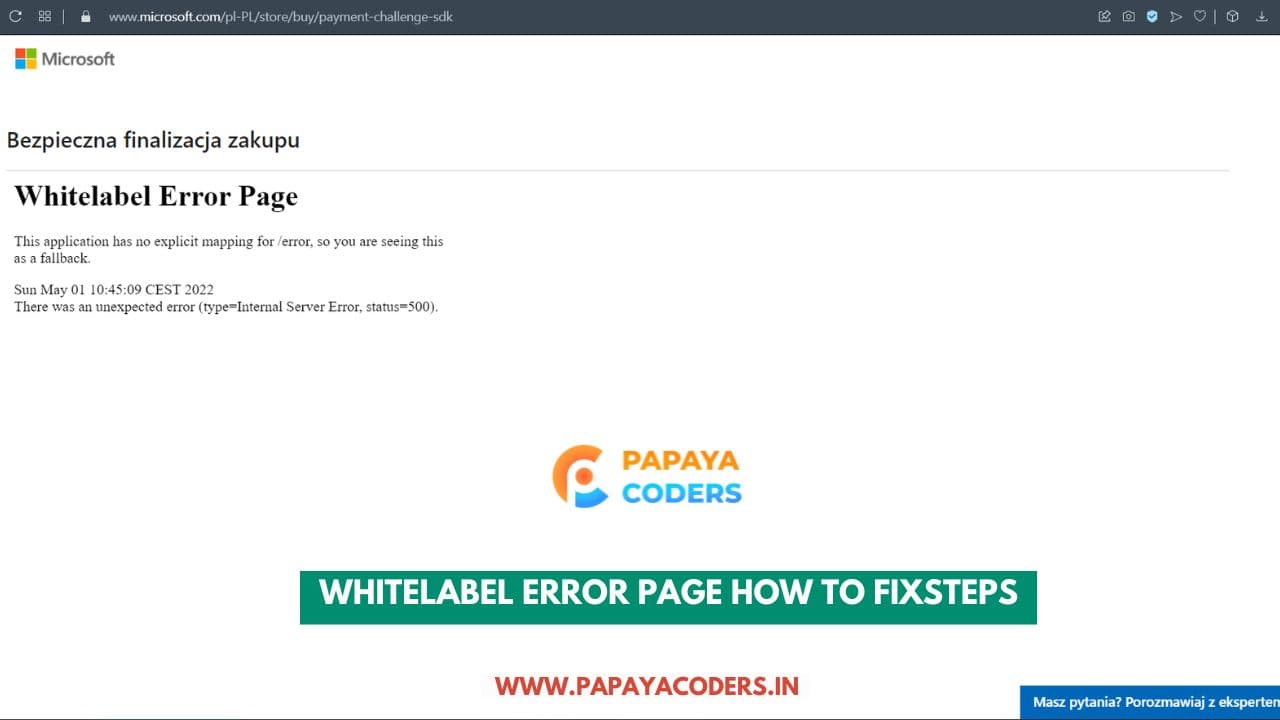
If you’ve encountered the frustrating White Label Error Page in your application, you’re not alone. This generic error page is a common issue for developers, especially when working with Spring Boot applications.
In this article, we’ll explore the Whitelabel Error page How to fix, and why it occurs, Let divine and know it!
What is the White Label Error Page?
The White Label Error Page is a default error page provided by Spring Boot. It appears when there’s no specific error-handling mechanism configured for the application.
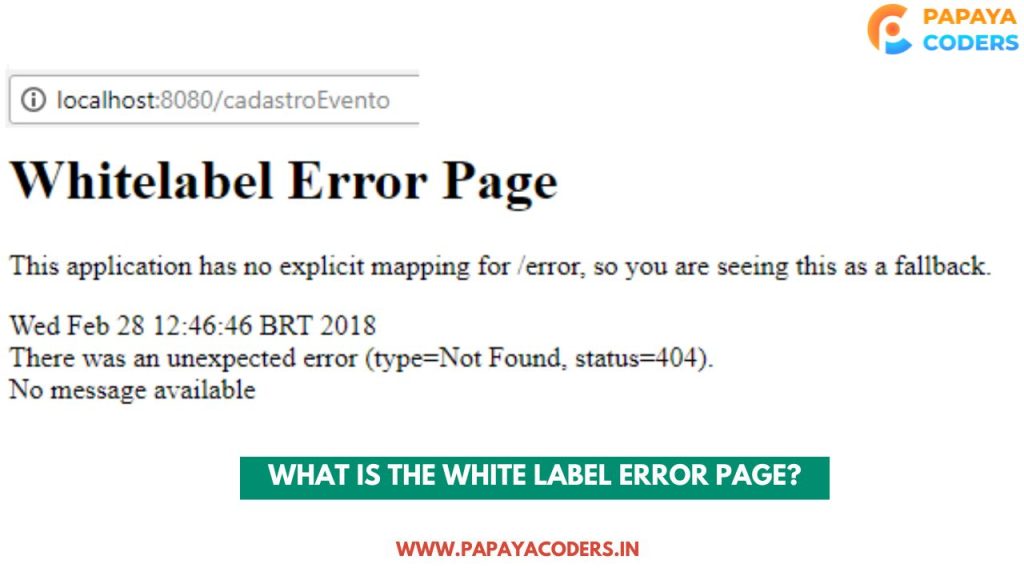
Whitelabel Error page How to fix
Why Does the Error Occur?
- No Custom Error Page Configured: Spring Boot uses a default error page if none is set.
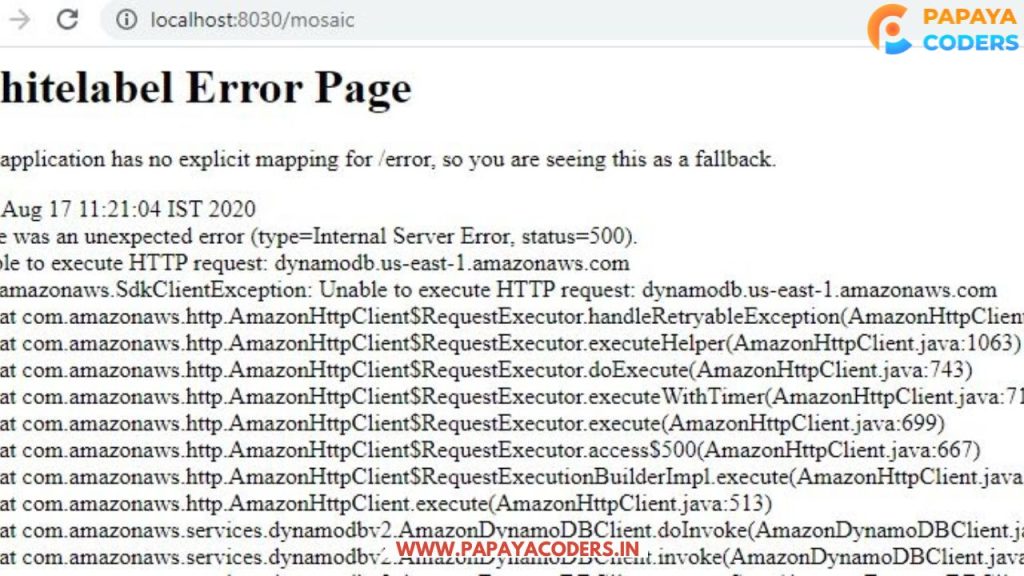
- Server-Side Issues: Configuration errors or missing dependencies can trigger this error.
- Code-Level Bugs: Null pointers, incorrect routing, or unhandled exceptions.
Features of Online Marketing you cant Ignore: Unlock Digital Success!
How to Fix the White Label Error Page
Step 1: Enable Debug Mode
Debugging provides more information about the error. To enable debug mode in Spring Boot:
# application.properties debug=true
Step 2: Create a Custom Error Page
By creating a custom error page, you can replace the default White Label Error Page.
- Add an
error.htmlfile in thesrc/main/resources/templatesdirectory:
2. Restart the Application: Ensure your application serves this custom page for errors.
Whitelabel Error page
Step 3: Use ErrorController for Advanced Handling
For more control, implement the ErrorController interface:
import org.springframework.boot.web.servlet.error.ErrorController; import org.springframework.stereotype.Controller; import org.springframework.web.bind.annotation.RequestMapping;
@Controller public class CustomErrorController implements ErrorController {
@RequestMapping("/error")
public String handleError() {
    // Return the path to your custom error page
    return "error";
}
}
Step 4: Check for Dependency Issues
Ensure all required dependencies are present in your pom.xml file for Maven or build.gradle for Gradle. Missing dependencies can lead to runtime errors.
Example for Maven:
Step 5: Configure Application Properties
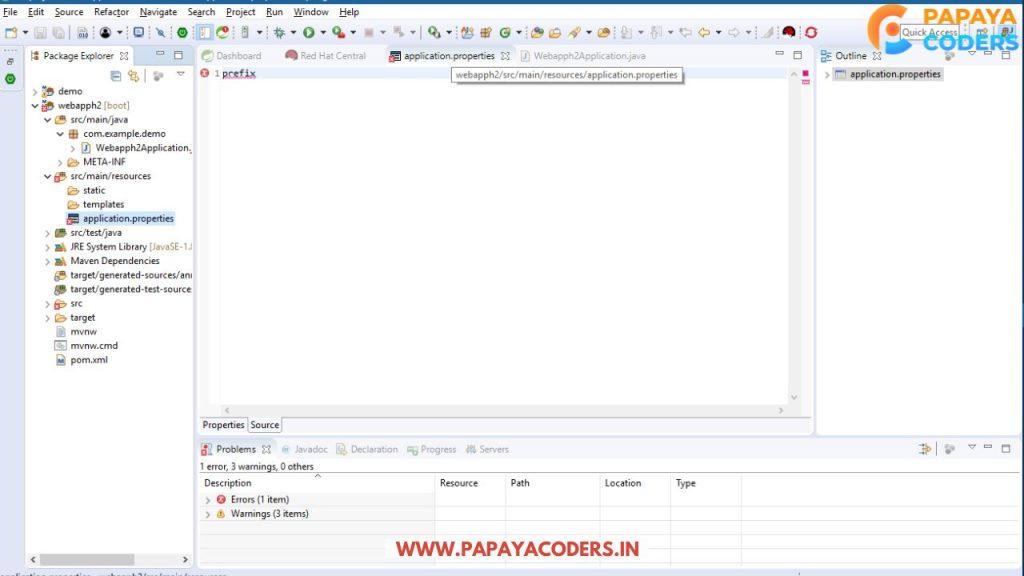
Customize error-handling settings in the application.properties file:
server.error.path=/error server.error.include-message=always server.error.include-stacktrace=on_trace_param
Whitelabel Error page
What is Mobile Marketing in Digital Marketing?? [Updated 2025]
FAQs
What Causes the White Label Error Page in Spring Boot?
The error occurs due to missing custom error-handling configurations or server-side bugs.
How Can I Replace the Default Error Page?
You can replace it by creating a custom HTML page or by implementing an ErrorController in your application.
How Do I Debug the White Label Error?
Enable debug mode in the application.properties file by adding debug=true.
Conclusion:-
Fixing the White Label Error Page in Spring Boot involves understanding its cause and implementing tailored solutions like custom error pages, advanced error handling with ErrorController, and configuring application properties.
By following these steps, you’ll not only resolve the error but also enhance your application’s user experience.
If you like this, Whitelabel Error page How to fix, Post then comment down and share your opinion with us. Attention Readers! Join us on WhatsApp Community for daily auto news updates.